All-Hands Meeting Bingo: Company Meeting Games
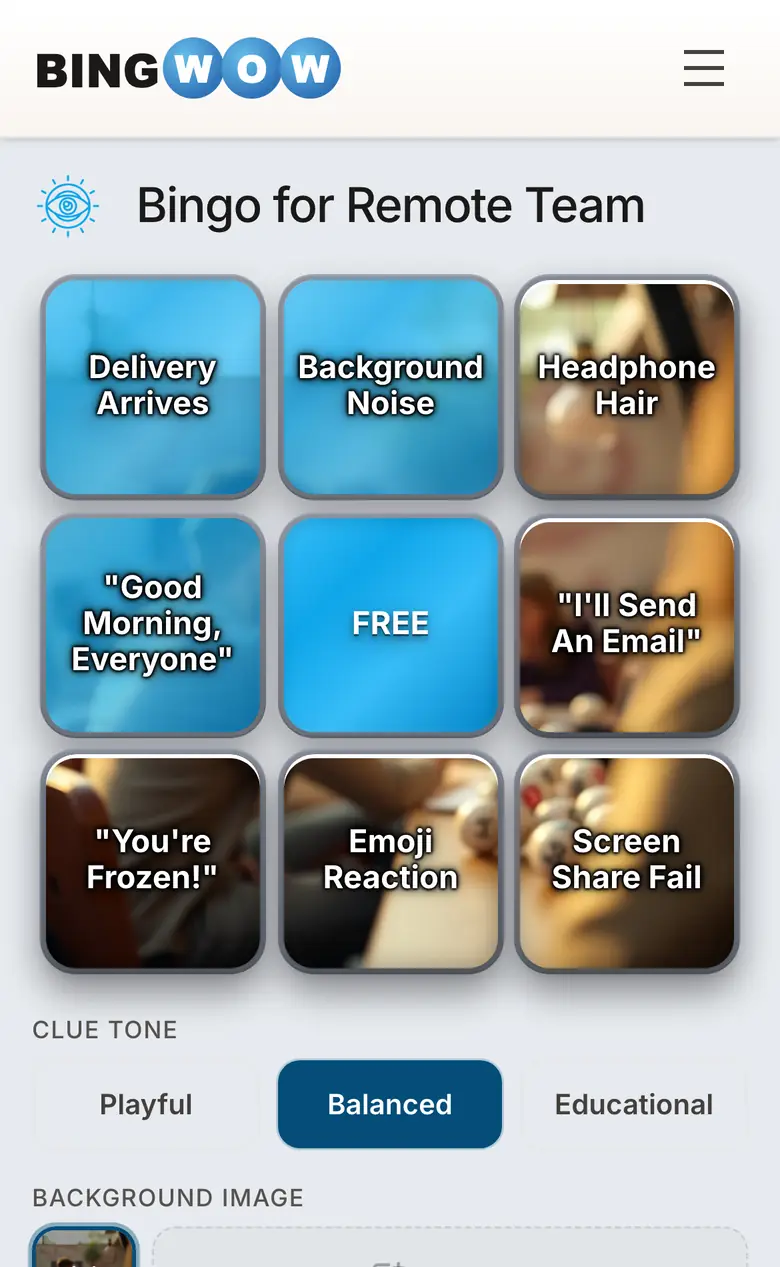
The company all-hands. Everyone in one virtual or physical room, 120 minutes blocked, and a slide deck that starts with last quarter's financials. The all-hands is one of the most reliable generators of bingo squares in corporate life — because every all-hands, at every company, hits the same beats.
All-Hands Bingo Squares
The Financial Update
- The same three metrics shown every quarter
- Revenue number receives applause
- "We're not going to share specific numbers, but..."
- Year-over-year comparison chart
- "Challenging macro environment" mentioned
- A number described as "ahead of plan"
The Leadership Moments
- CEO starts with "I'm incredibly proud of this team"
- Executive uses a metaphor about a journey or road
- Slide that shows leadership team headshots
- Someone new to the leadership team gets introduced
- Executive answers a question with a question
The Q&A Section
- First Q&A question is actually a comment
- The "hard question" that's actually pretty soft
- Question that leadership clearly wasn't expecting
- Anonymous question from the question tool
- "Great question" used before a long pause
- Follow-up promised that won't arrive before next all-hands
The Culture Slides
- Company values mentioned at least once
- "We're building something special here"
- Shoutout section with names most attendees don't recognize
- New office or expansion announcement
- Organizational restructuring announced
The Technical Gremlins
- Presenter loses their slide clicker connection
- Someone is accidentally unmuted
- Video buffering mid-play
- Chat section goes wild while presenter is talking
Should Leadership Know About It?
Two schools of thought. The stealth approach: share the BingWow link in a team Slack channel before the meeting and keep it low-key. It works immediately, no buy-in needed. The official approach: get leadership on board and announce the game at the start. Some executives will even deliberately incorporate bingo squares — the CEO who starts by saying "I know what's on your bingo cards" and then hits every square intentionally is a CEO employees remember.
All-Hands Bingo for Virtual Meetings
Virtual all-hands meetings are perfect for bingo because everyone is already on a screen. The BingWow link goes in the meeting chat at the start. Players mark squares on their phone or second monitor while watching the presentation. The winner drops a 🎉 in chat. The presenter is briefly confused. Everyone else knows exactly what happened.
Browse company meeting bingo cards or create a custom all-hands card for your next quarterly update.