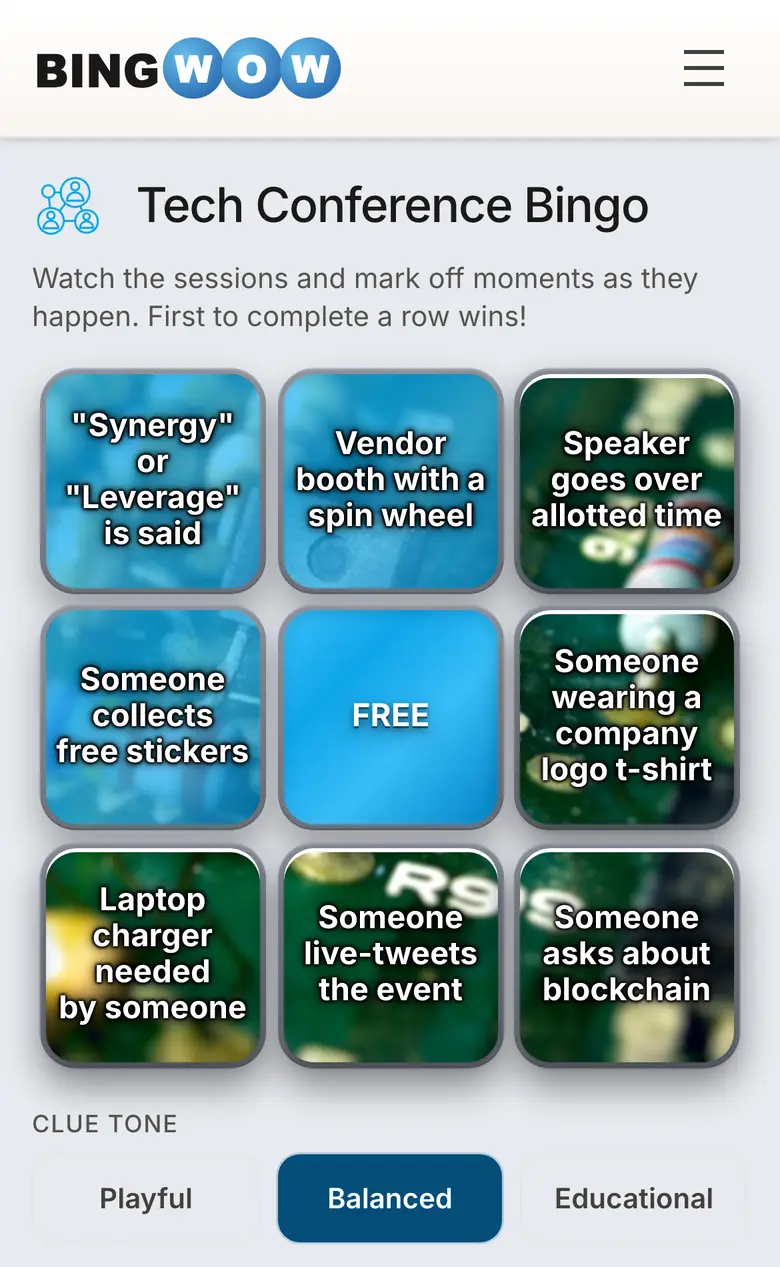
Free virtual bingo for workplace teams is a 10-15 minute interactive round where employees mark cells matching training prompts — onboarding facts, compliance terms, safety procedures, product details, DEI vocabulary — with automatic winner detection; BingWow runs real-time multiplayer for up to 100 coworkers per room from one shared link, no signup, no per-seat cost, no Zoom or Teams admin approval.
Training & Team Game Ideas
Key Facts
Training engagement
Gamified training increases employee engagement by up to 60%
Source: TalentLMS Gamification Report, 2023
Knowledge retention
Game-based learning improves knowledge retention by up to 40%
Source: Association for Talent Development, 2024
Remote & in-person
Works for virtual sessions over Zoom or Teams and in-person printed cards
Source: bingwow.com
Research-backed
Our HR gamification study is published on SSRN (Elsevier). Virtual team building searches grew 736% since 2019 and never returned to baseline. Meta-analyses show effect sizes from g = 0.25 to g = 0.822 for gamified interventions.
Source: SSRN Abstract 6632200
How to run free virtual bingo for workplace training
- 1
Generate a training-topic card in 60 seconds
Go to bingwow.com/create and type the training topic — 'HR onboarding,' 'PCI compliance,' 'workplace safety,' 'new product features,' 'DEI vocabulary.' AI builds a 24-clue card matching the curriculum.
- 2
Edit clues to your company's exact wording
Tap any cell to replace AI text with your company's terminology, policy names, or product specifics. Save the card and reuse for every cohort.
- 3
Drop the play link in Zoom, Teams, or Slack chat
From the host screen, copy the play link. Paste into your video-call chat or Slack channel. Up to 100 employees join on their own laptop or phone — each gets a unique shuffled board.
- 4
Call clues; the system detects winners
Read each training prompt aloud from your host view. Cells claim live across all players; the server detects the first row, column, or diagonal and announces the winner. Run multiple rounds back-to-back across the same cohort with one click.