Free Onboarding Bingo Cards for New Employees
Onboarding bingo gives new hires a structured way to explore the team, office, and culture without it feeling like homework. Works for in-person and remote onboarding.
Why onboarding bingo works
Starting a new job means absorbing a lot of information fast — new systems, new people, new jargon, new norms. Onboarding bingo breaks that into a scavenger hunt: each square is a small discovery milestone. It gives new hires a reason to explore on their own terms rather than sitting through another deck of slides.
What to put on the card
The best onboarding bingo squares are specific to your company. "Met someone from engineering," "found the good coffee," "learned what [internal acronym] stands for," "had a 1:1 with their manager," "figured out where the printer is." Mix logistical tasks with cultural ones — the cultural squares are usually the ones people remember.
How to run it over the first week
Give new hires the card on day one and set a loose goal: complete a row by the end of the week. Check in on Friday — anyone who completes a row gets a small recognition (Slack shoutout, gift card, or just public acknowledgment). Running multiple new hires at once? Let them compare cards and share tips on who to talk to.
Adapting for remote and hybrid teams
Remote onboarding bingo works slightly differently. Replace in-person tasks ("found the break room") with virtual ones: "attended a team standup," "got added to three Slack channels," "sent their first message in the company-wide channel," "had a coffee chat with someone outside their team." The goal is the same — build connections early.
Customizing the card for your company
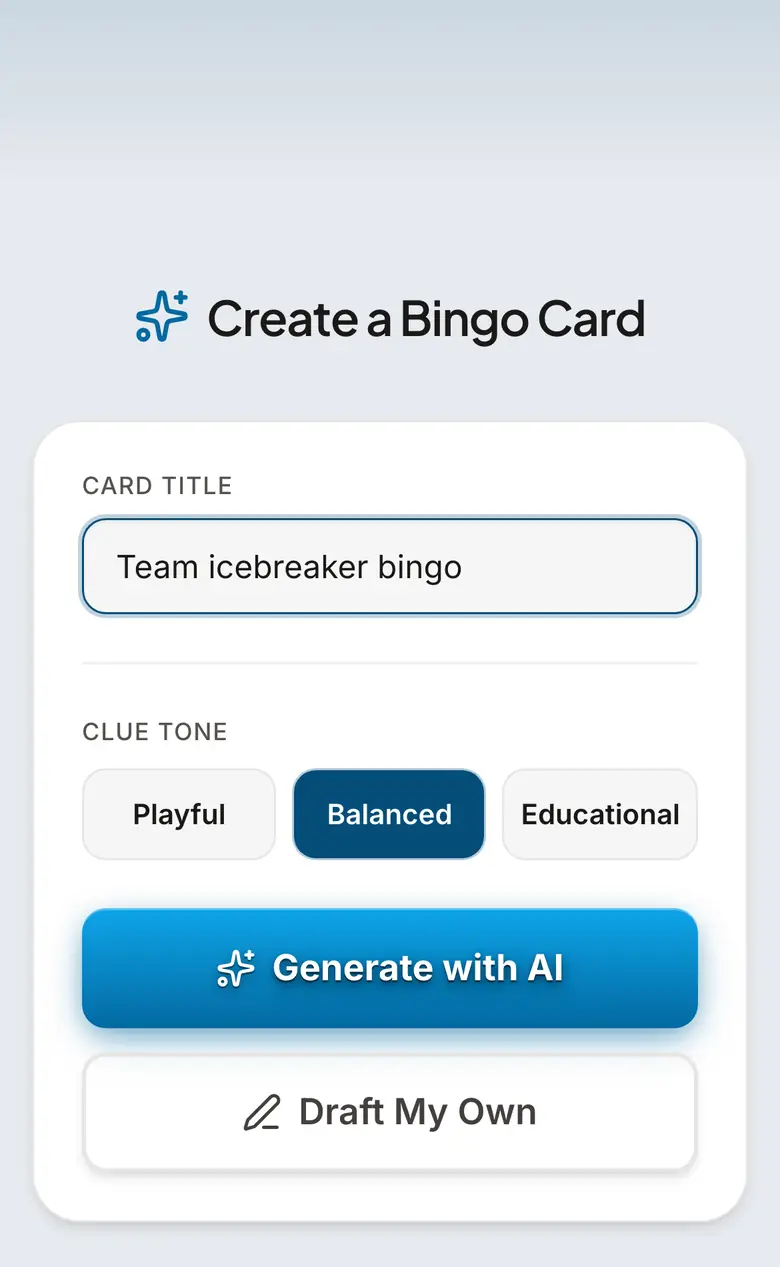
Use the card creator to build a custom onboarding card with your team's actual tools, names, and traditions. Add your internal Slack channels, the names of key team members, company values, or onboarding checklist items. A card that feels specific to your company signals care — it tells new hires someone put thought into their first week.
Prompt Ideas to Get You Started
First Week Basics
- •Set up your email signature
- •Found the good coffee
- •Learned what the main acronym stands for
- •Had a 1:1 with your manager
- •Found the printer (or learned it doesn't exist)
- •Got added to a team Slack channel
- •Attended your first standup
- •Found the shared drive / wiki
- •Figured out the lunch situation
- •Remembered three coworkers' names
People & Culture
- •Met someone from a different department
- •Had a coffee chat with a teammate
- •Learned an inside joke
- •Found the unofficial team expert on something
- •Got a restaurant recommendation from a coworker
- •Joined an optional social channel
- •Learned about a company tradition
- •Found out who's been here the longest
- •Discovered a shared hobby with someone
- •Got invited to a team lunch or outing
Ready-Made Cards
Frequently Asked Questions
What is onboarding bingo?
How do you play onboarding bingo?
Can I customize it for my company?
Does it work for remote new hires?
Is it free?
Related Guides
Human Bingo and Icebreaker Bingo
Human bingo — also called icebreaker bingo or "find someone who" — gets a new group talking in minutes. Players mingle to find someone who matches each prompt ("has traveled abroad," "speaks two languages"). Free printable cards or play online with the whole room. No signup.
Meeting Bingo
Mark off "let's take this offline," "you're on mute," and every other meeting cliché as they happen. Meeting bingo is the secret second tab no one talks about.
Tips & Articles
20 Icebreaker Games for Work (Bingo Is #1)
The best icebreaker games for meetings, orientations, and team events. Spoiler: bingo is the easiest to run No signup required.
Team Building Bingo: 12 Games for Work Events and Offsites
Icebreaker bingo, meeting bingo, conference bingo — 12 team building bingo games your coworkers will actually enjoy No signup required.
Virtual Bingo for Remote Teams: The Complete Setup Guide
How to run virtual bingo for your remote team on Zoom, Teams, or Slack. No app needed — play in the browser No signup required.