Free Senior Center Bingo Guide
Plan a senior center bingo session with a free online caller, printable number cards, projector-friendly display, and pacing tips for mixed-mobility groups.
Updated
Set up the room before players arrive
Put the caller screen where every table can see it, test the speaker volume, and keep printed cards, markers, spare pens, and prize slips at the check-in table. A laptop connected to a TV or projector is enough. The free caller at /caller replaces the physical cage, shows the flashboard, and keeps the last numbers visible for anyone who missed a call.
Pick the format that fits the group
Use 75-ball bingo for a familiar U.S. senior-center format, 90-ball when your group expects UK-style play, and 30-ball for a short warm-up round. If attention or stamina varies across the room, run one short round first, then move into longer rounds after everyone has settled in.
Print enough unique cards
For traditional number bingo, print more cards than the expected attendance so late arrivals and guests are covered. BingWow prints up to 500 unique number cards with validation codes, so the caller can quickly check a winning card without reading the whole board back to the room.
Keep the pace accessible
Auto-call is useful, but manual calling is better when a group needs more time. Pause between numbers, repeat each call once, and keep the flashboard visible. If players have low vision, print one card per page and use high-contrast markers rather than tiny chips.
Add themed rounds without extra prep
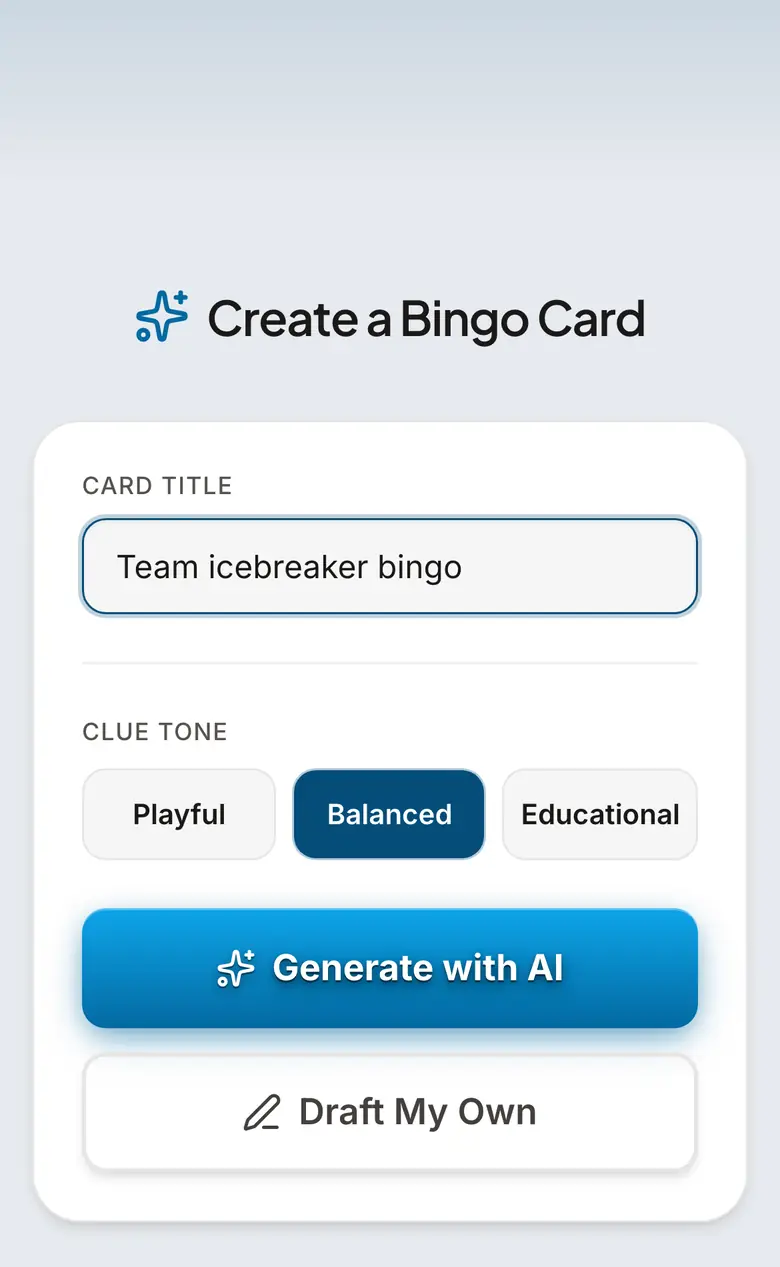
After a traditional round, switch to a themed card for holidays, local landmarks, music memories, or retirement-party moments. The card creator can turn a theme into clues in seconds, which lets the activity director make the game feel specific to the group instead of generic.
Prompt Ideas to Get You Started
Senior Center Themes
- •Classic TV shows
- •Local landmarks
- •Oldies music
- •State fair memories
- •Famous movie lines
- •Gardening club
- •Decades trivia
- •Coffee hour regulars
- •Holiday lunch moments
- •Grandkids stories
Activity Director Setup Checklist
- •Projector or TV tested
- •Speaker volume checked
- •Extra printed cards
- •Large markers ready
- •Prize table labeled
- •Volunteer card checker assigned
- •Water at each table
- •First round announced
- •Caller screen in fullscreen
- •Validation codes explained
Frequently Asked Questions
What is the easiest way to run bingo at a senior center?
Can I print senior center bingo cards for free?
Does the caller work for 75-ball and 90-ball bingo?
How fast should numbers be called for seniors?
Can I run themed bingo for a retirement home?
Related Guides
Complete List of Bingo Calls & Their Meanings
The full list of traditional British bingo calls from 1 to 90 — including "Two Fat Ladies" (88), "Legs Eleven" (11), and "Clickety-Click" (66). Learn the nicknames, their origins, and how to use them in your next game.
Fundraiser Bingo
Bingo nights are one of the easiest fundraisers to run — low overhead, high energy, and a crowd that already knows how to play. Print up to 500 unique cards or run it online.
Holiday Bingo
Holiday bingo for Christmas, Halloween, Thanksgiving, Easter, Valentine's Day, and more. Play with family on phones or print for a class party. Something for every occasion.
Tips & Articles
Bingo at Senior Centers: Tips for Activity Directors
Senior center bingo tips: large-print cards, slower caller pacing, prize carts, themed rounds, picture bingo, and simple validation.
How to Run Bingo Night at a Retirement Home
Set up bingo night at a retirement home or assisted living facility with a free digital caller and printable 75-ball cards. Projector setup, pacing, and accessibility tips.
Best Bingo Prizes for Every Budget
Bingo prize ideas for every budget — from free options like bragging rights and privilege cards to splurge packages for fundraiser nights.