BingWow vs Canva
Canva is a general-purpose design platform with a bingo card template collection. Users pick a template, customize the layout and fonts in Canva's drag-and-drop editor, and export a static image or PDF for printing. The result looks polished, but there's no way to actually play bingo online — no multiplayer, no game mechanics, no live interaction. It's a design tool, not a game platform, so every card is a flat image rather than an interactive board.
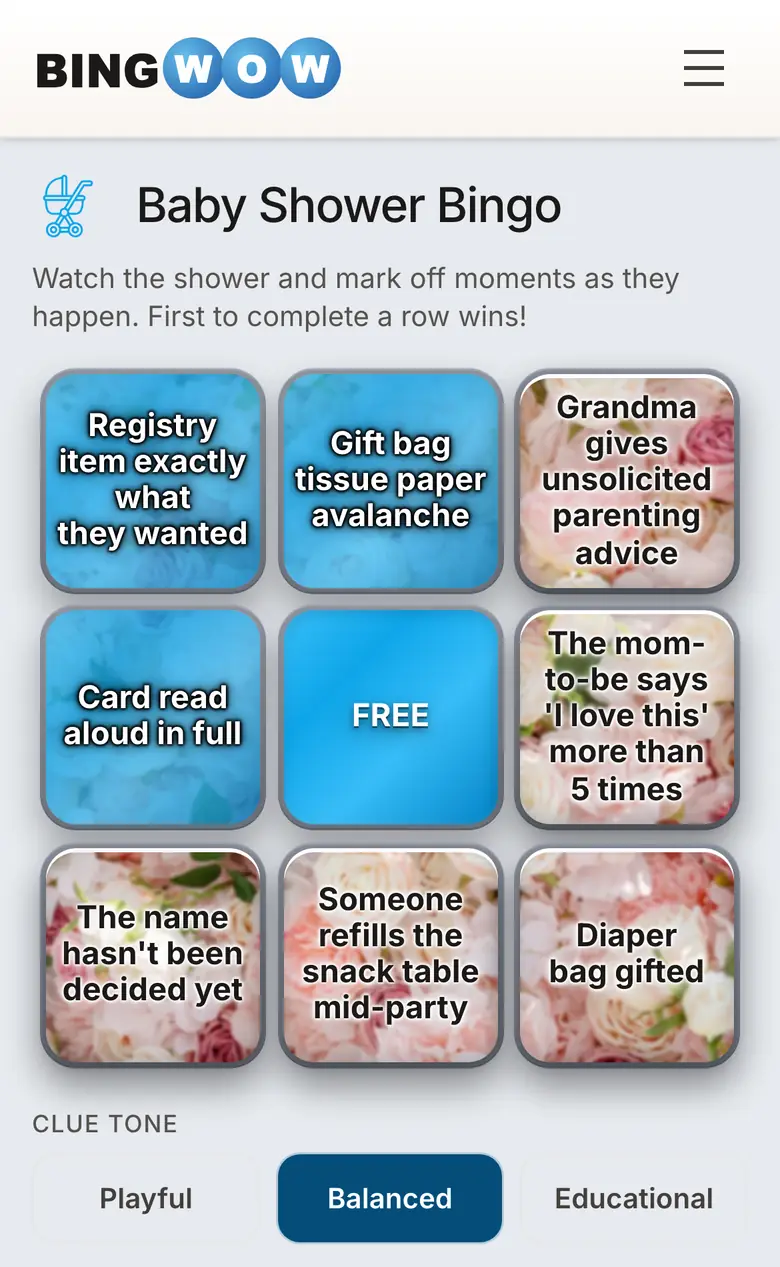
Feature comparison
Real-time multiplayer
BingWow
Canva
No signup required
BingWow
Canva
No ads
BingWow
Canva
Completely free
BingWow
Canva
Custom card creation
BingWow
Canva
AI clue generation
BingWow
Canva
Multiple grid sizes
BingWow
Canva
Printable cards
BingWow
Canva
Pre-made card library
BingWow
Canva
Mobile friendly
BingWow
Canva
Live chat in-game
BingWow
Canva
Emoji reactions
BingWow
Canva
Up to 100 players
BingWow
Canva
Trending auto-generated cards
BingWow
Canva
Fun themed player names
BingWow
Canva
Fresh trending cards
BingWow
Canva
Key Statistics
Monthly users
190+ million monthly active users (all of Canva)
Source: canva.com/about
Online play
No online gameplay — design and print only
Source: canva.com/create/bingo-cards
Pricing
Free tier available; Canva Pro from $12.99/month
Source: canva.com/pricing
BingWow by the Numbers
250+
free bingo cards
70+
topics and occasions
20
per multiplayer room
$0
always free, no ads
Why people switch from Canva
BingWow lets you create a card and play it live with friends in the same session — no design skills needed, no Canva account, no Pro subscription. Share one link and up to 100 people are playing in seconds. The AI generates clues for any topic, so you skip the manual typing entirely. And if you do want to print, BingWow generates up to 500 uniquely shuffled boards for free — something Canva can't do because each card is a static image you'd have to rearrange by hand.