Free AI Bingo Card Generator for Classrooms

Type any subject and get a complete, ready-to-play bingo card in seconds. No typing clues one by one. No signup. No ads.

Create a card for any subject in seconds

Type “multiplication facts” and you get 24 clues covering times tables from 2s through 12s. Type “Civil War events” and you get Fort Sumter, Antietam, the Emancipation Proclamation, and 21 more. Type “Spanish vocabulary — colors” and the AI picks exactly the right level of challenge for a beginner class. You don't have to brainstorm, format, or type a single clue yourself.

This is the part other bingo tools get wrong. Most classroom bingo generators make you type every word manually — you're the one doing the work. BingWow's AI handles the content. You handle the teaching.

It works for every subject and grade level. Math teachers use it for vocabulary cards (integer, coefficient, hypotenuse) or for number-pattern clues (multiples of 7, perfect squares). English teachers use it for SAT vocab, literary devices, or author names. Science teachers generate cards for the periodic table, ecosystems, or lab safety rules. History teachers create cards for dates, battles, key figures, or terms from primary sources. Music teachers build cards for note names, composers, or musical terms. If you can name the topic, the AI can build the card.

Try it now — type your subject and a 5×5 bingo card is ready before you can walk to the whiteboard.

Students play live on their phones — no app required

Once your card is ready, click “Play Online.” You get a room with a shareable link. Put it on the projector or paste it in Google Classroom. Students open it on any device — phone, tablet, Chromebook, laptop — and they're in. No app to download. No account to create. No permission slip for a new platform.

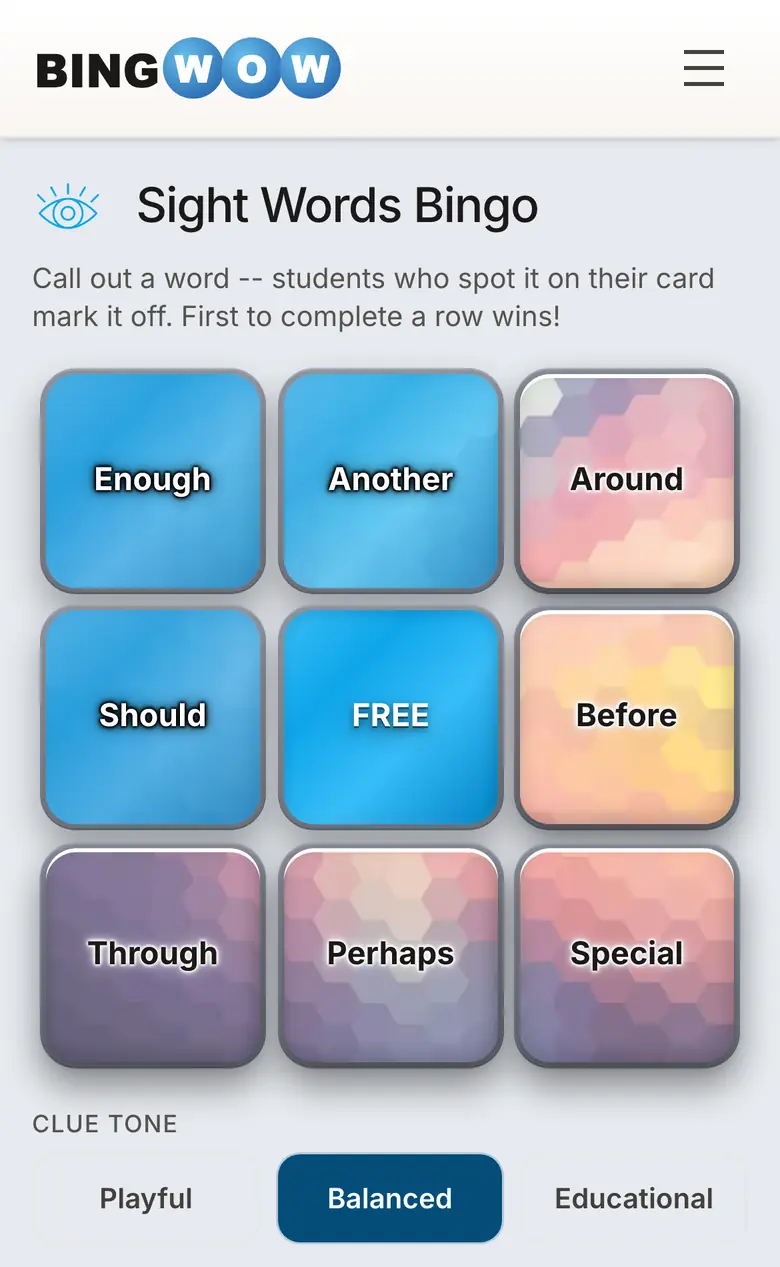
Every student gets the same 24 clues arranged in a different random order, so no two cards are identical. When you call out a term, students tap it on their screen. They can see their own board and watch a live feed of what everyone else is claiming. The energy in the room is real — students race each other, react with emojis, and cheer when someone hits bingo.

As the host, you see every player's claims in real time from a single view. You know immediately who's engaged, who's paying attention, and who just called bingo. When the winner is declared, BingWow automatically shows the winning card so you can verify the claimed cells before moving on. Then the next round starts and boards reshuffle — keep playing as long as you want.

Each student gets a randomized display name themed to the game. Your class playing History Bingo might have “PaulRevere,” “AbigailAdams,” and “BostonTeaParty” all competing for the same row. It's a small detail that makes the whole experience feel more like a game and less like a worksheet.

Or print 30 unique cards for offline play

Phones not available today? Prefer a paper-based activity? Click “Print Cards — Free” from any card detail page and BingWow generates up to 30 cards, each with a different arrangement of the same 24 clues. No two students will have the same card, which means no copying and no ties.

Bingo Card Creator, one of the most popular classroom bingo tools, limits free accounts to 5 printable cards. If you have more than five students — and you do — you have to upgrade to a paid plan. BingWow has no such limit. Print 10 cards or 30, it costs nothing either way.

The print layout is clean and legible: a 5×5 grid with a free center space, the card title at the top, clues in a readable font. Print directly from your browser, or save to PDF and print from the school copier. Works with standard 8.5×11 paper.

You can generate cards for online play and print cards for the same topic at the same time. Some teachers run a digital round as a warm-up and then hand out printed cards for a longer review session at the end of the period. Create your first card here.

No ads. No signup. No cost. Ever.

When you project a classroom activity, what appears on your screen appears on every student's screen. On ad-supported bingo tools, that means students are looking at banner ads, pop-ups, and sponsored content every time you run a game. It's a distraction you shouldn't have to manage.

BingWow shows no ads — to you, to students, or to anyone who joins the game. The screen is the game. There is no upsell, no “unlock premium,” no watermark on printed cards. Everything you see on the site is available to every teacher, for every class, with no account required.

You don't need to create an account to use BingWow. You can go from “I want to run a vocab review” to students actively playing bingo in under two minutes, and you never have to remember a password. If you want to save cards for reuse, you can optionally create a free account — but it is never required for any feature.

Why teachers choose BingWow over other tools

ClassTools Bingo is a decent free option, but it shows ads during the game, offers no AI card generation (you type every clue yourself), and has no real-time multiplayer — every student's card is independent with no shared session or host view. It works for basic print-and-play, but that's all it does.

Bingo Card Creator has been around for years and many teachers know it. But the free tier limits you to 5 unique printed cards — not enough for most classes. To print a full class set you pay for a subscription. It also has no AI generation and no real-time multiplayer. You're basically paying for a PDF generator.

My Free Bingo Cards is ad-supported on the free tier, has no AI generation, and while it does support multiplayer, it lacks the live social features — emoji reactions, real-time claim updates, host overview — that make BingWow's multiplayer feel like a real game rather than a parallel-play worksheet.

BingWow combines everything: AI card generation from any topic, real-time multiplayer with up to 20 players per game, free printing of up to 30 unique cards, no ads, and no account requirement. It's the only classroom bingo tool that handles every use case — spontaneous digital review, planned print activity, or a hybrid of both.

See the full feature breakdown on the BingWow vs other tools page.

BingWow for Every Audience