Online Bingo With Friends From One Shared Link
Play online bingo with friends from one shared link. Everyone gets a unique board. Free, no signup.
Updated
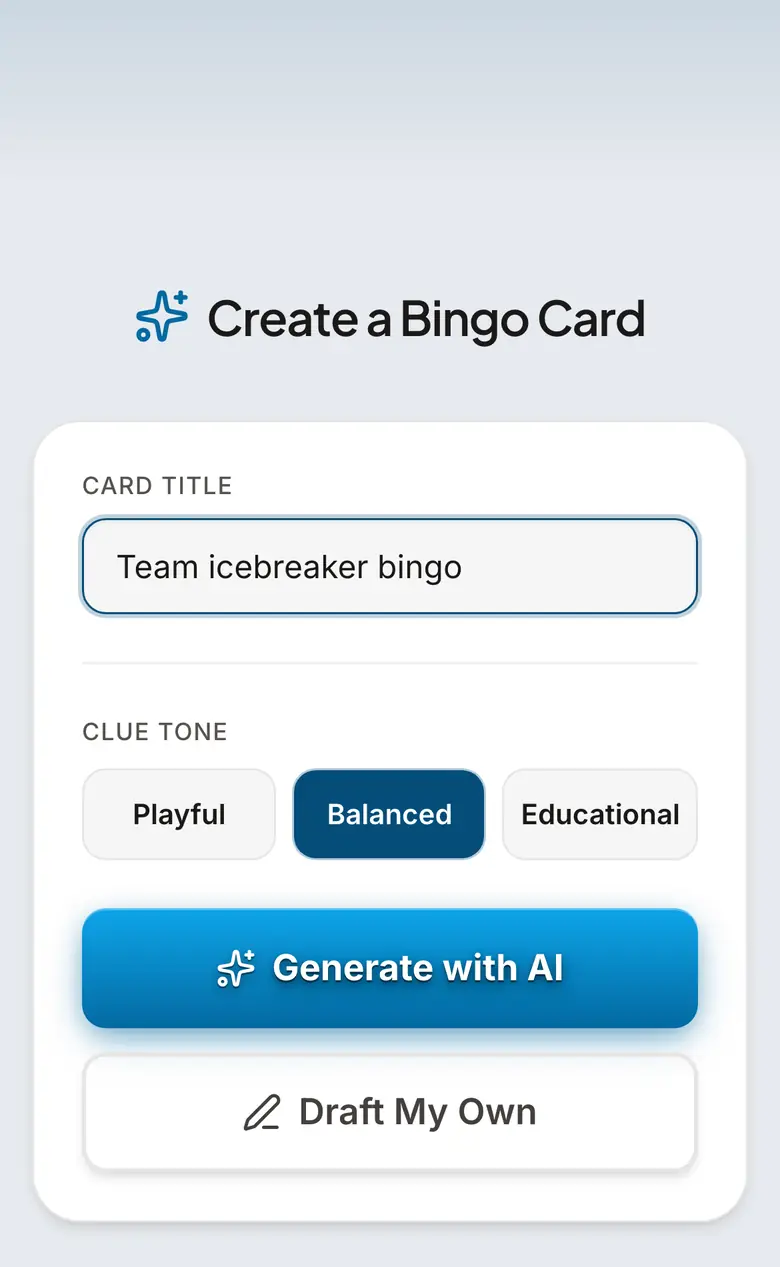
One link starts the room
BingWow turns any card into a live room. The host opens a card, clicks Play, and sends one invite link to the group. Friends join from phones or laptops and each person gets their own randomized board from the same clue set, so the game feels shared without everyone staring at the same grid.
Works for living rooms and video calls
Use it in person by putting the link in a text thread while everyone is in the same room. Use it remotely by pasting the link into Zoom, Google Meet, Teams, Slack, Discord, email, or a family group chat. The game does not depend on one video platform, and players do not install anything.
Pick the kind of bingo your group will actually enjoy
For a watch party, create a card for the show or game you are watching. For friends catching up, use icebreaker or inside-joke bingo. For a birthday or shower, make the clues about the guest of honor. For classic number bingo, open the free caller and print cards. The format stays the same: everyone marks what they see or hear, and the first row wins.
Keep a friendly game moving
A good group game is short enough that people want another round. Use 3x3 when you want a quick five-minute warmup, 4x4 for a medium game, and 5x5 for a longer classic board. Read the win condition before the round starts: first to complete a row wins. After a winner, start a new round from the same card or tweak the clues for a fresh version.
For bigger friend groups
One BingWow room supports up to 100 players. For a reunion, club night, school event, or company social with more people, split the group into multiple rooms or print cards and use the caller on a shared screen. The same card template can support both digital and paper play.
How to play Online Bingo With Friends
- 1
Choose the card theme
Pick a ready-made card or create one around the group: a TV show, birthday person, class topic, inside joke, or classic number bingo.
- 2
Start a room
Click Play to create the live room and get the invite link.
- 3
Send the link to friends
Paste the link into the group chat, video-call chat, Slack, Teams, Discord, email, or text thread.
- 4
Mark squares together
Everyone taps matching squares on their own randomized board as clues happen or are called.
- 5
Celebrate the first row
BingWow detects the first completed row and announces the winner, then the host can start another round.
Frequently Asked Questions
How do I play online bingo with friends?
Can friends play bingo together without accounts?
Does everyone get the same bingo board?
Can we play over Zoom or FaceTime?
What should we put on a friends bingo card?
How many friends can join?
Related Guides
Free Online Bingo With No Signup
Play bingo online free with no signup, no app, and no ads. Create a card or share one link.
Bingo for Large Groups
Run bingo for any size group, 10 to 500+, free. One link, every phone — or print up to 500 unique cards.
Reality TV & Watch Party Bingo
Free reality-TV and watch-party bingo for the shows people actually watch — The Traitors, Love Island, The Bachelor, Survivor, Big Brother and more. Everyone plays live on their own phone from one link, or print. No app, no signup.
Tips & Articles
How to Host the Perfect Watch Party: A Complete Guide
Everything you need to host an amazing watch party — from setup and food to games and remote viewing. Plus BingWow to keep everyone entertained.
How to Host a Bingo Night: Complete Planning Guide
Host a bingo night with free printable cards and an online caller: supplies, setup, timing, prizes, projector tips, and pacing for 10-80 players.
How to Play Bingo: Complete Rules for Beginners
Bingo rules made simple: how cards work, what counts as a row, how to call and verify a win, plus free online and printable card options.